When you first install Drupal, you can configure a text format with ckeditor to use the image button.

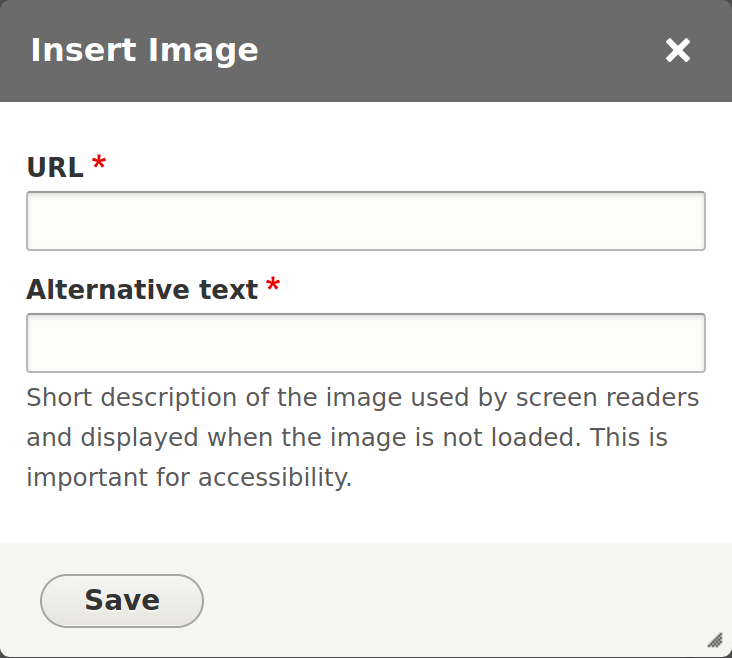
With the most basic config, the the image form has a url field for the image path.
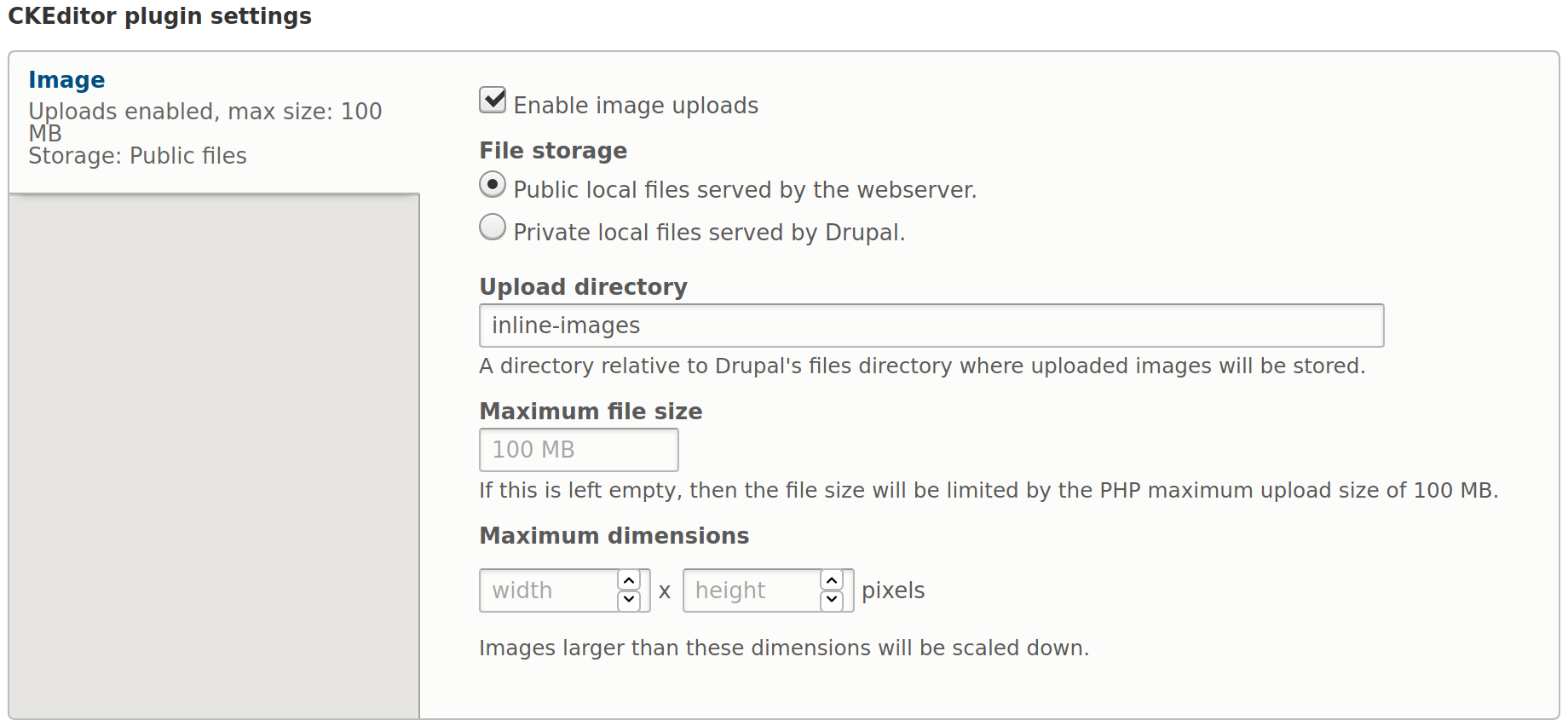
In order to enable uploading images here, check the Enable image uploads box in your text formatter.
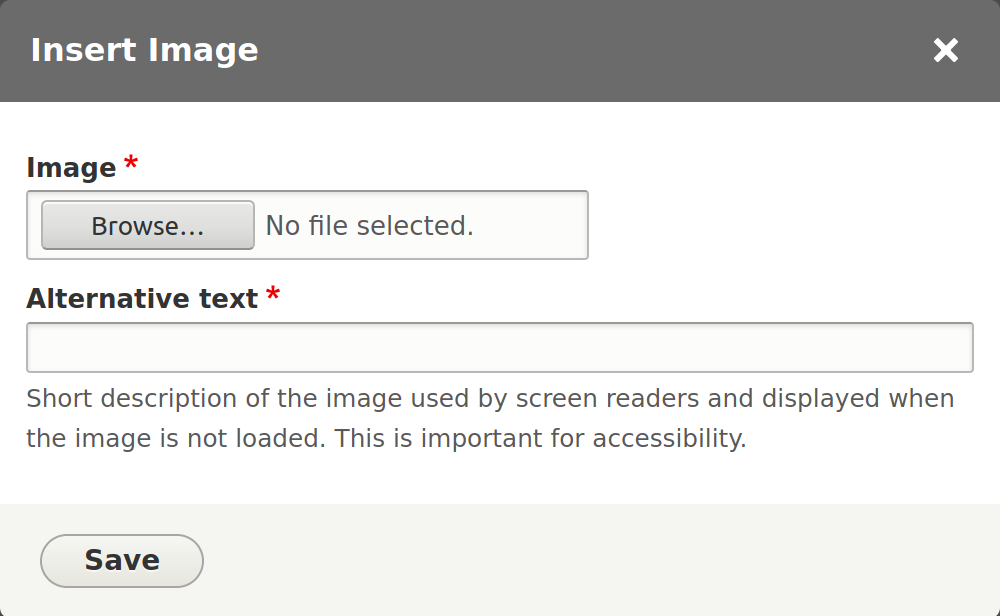
With this configured, the image button form has an upload field instead of the url.
Here's the html that gets created. Notice it has both data-entity-uuid and src attributes.
<p><img alt="Luca Bravo forest photo via unsplash" data-entity-type="file" data-entity-uuid="ae862814-f257-4784-affb-31e9e0c1665d" src="/sites/default/files/inline-images/luca-bravo-ESkw2ayO2As-unsplash.jpg" /></p>
This is the record in the file managed table.

If you delete this image from the content, it will still exist in your files directory. You can use the Track image uploaded via a Text Editor feature to find images that are not in use.

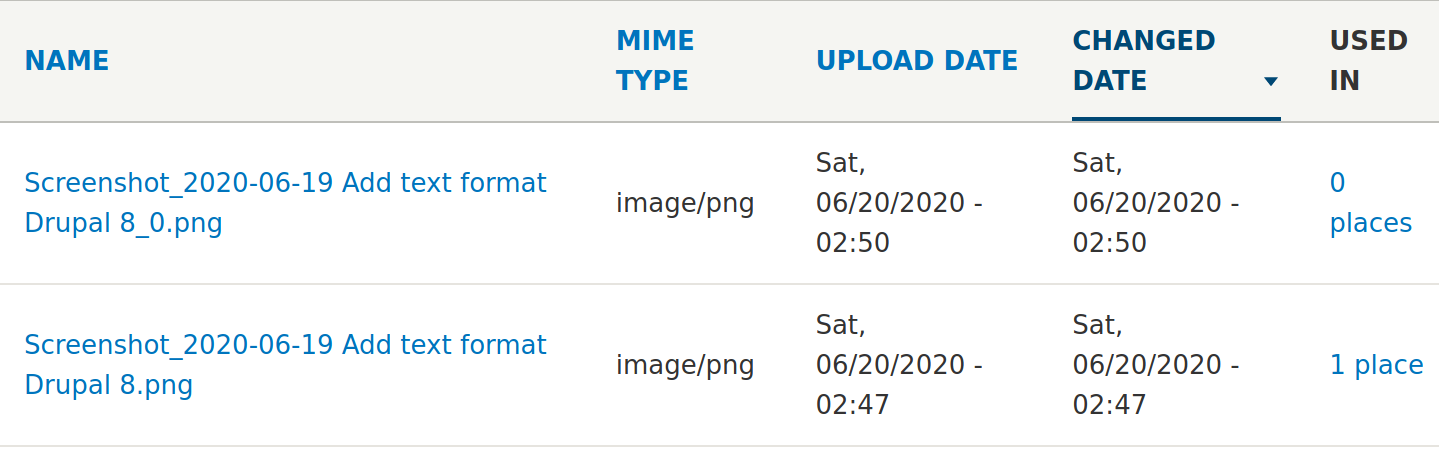
This will not apply retroactively, so the count will be incorrect if you already have files.
Audit Files and File Checker modules could help, but I haven't tested them.
This is tracked in the file_usage table. It includes counts from revisions, so the numbers become confusing. I don't think it should do this.

When the count is reduced to 0, the file is marked as temporary and after the time set in Configuration > Media >File system gets removed during a cron run.
